

Deploy your documentation site and make your first change.Documentation Index
Fetch the complete documentation index at: https://mintlify-mintlify-condense-quickstart-page-c0ab8u.mintlify.app/llms.txt
Use this file to discover all available pages before exploring further.
Before you begin
Mintlify uses a docs-as-code approach: every page has a corresponding file in your documentation . Edit locally or in the web editor and sync changes to your remote repository.Install the Mintlify skill and MCP servers for AI coding tools.
Deploy your documentation site
Go to mintlify.com/start and complete onboarding. You’ll connect GitHub, create or select a repository, and install the GitHub App. Your site then deploys to a.mintlify.app URL.
Optional: Skip connecting a Git provider during onboarding
Optional: Skip connecting a Git provider during onboarding
Skip the Git provider connection to get started quickly. Mintlify creates a private repository and configures the GitHub App for you. To migrate to your own repository later, use the Git setup wizard in Git Settings. See Clone to your own repository.
View your deployed site
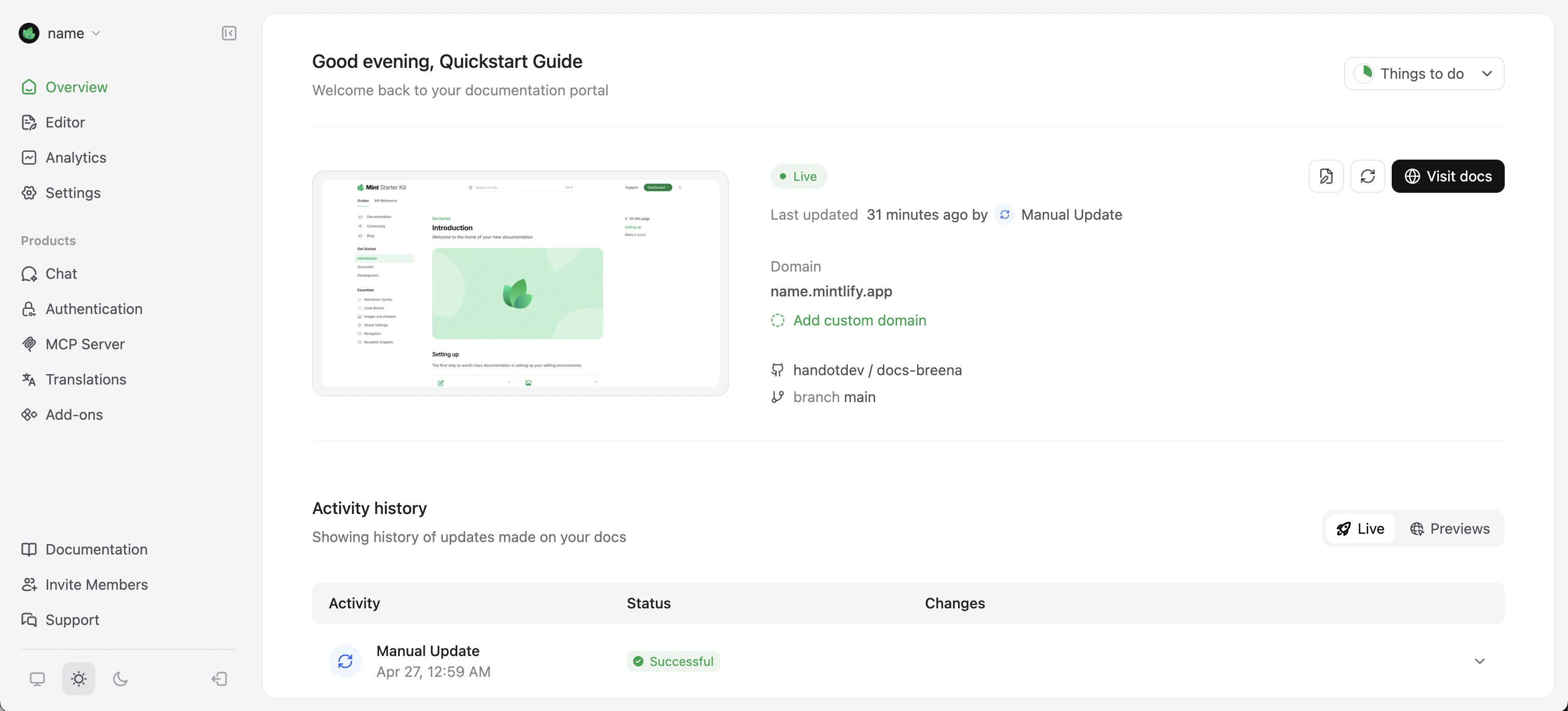
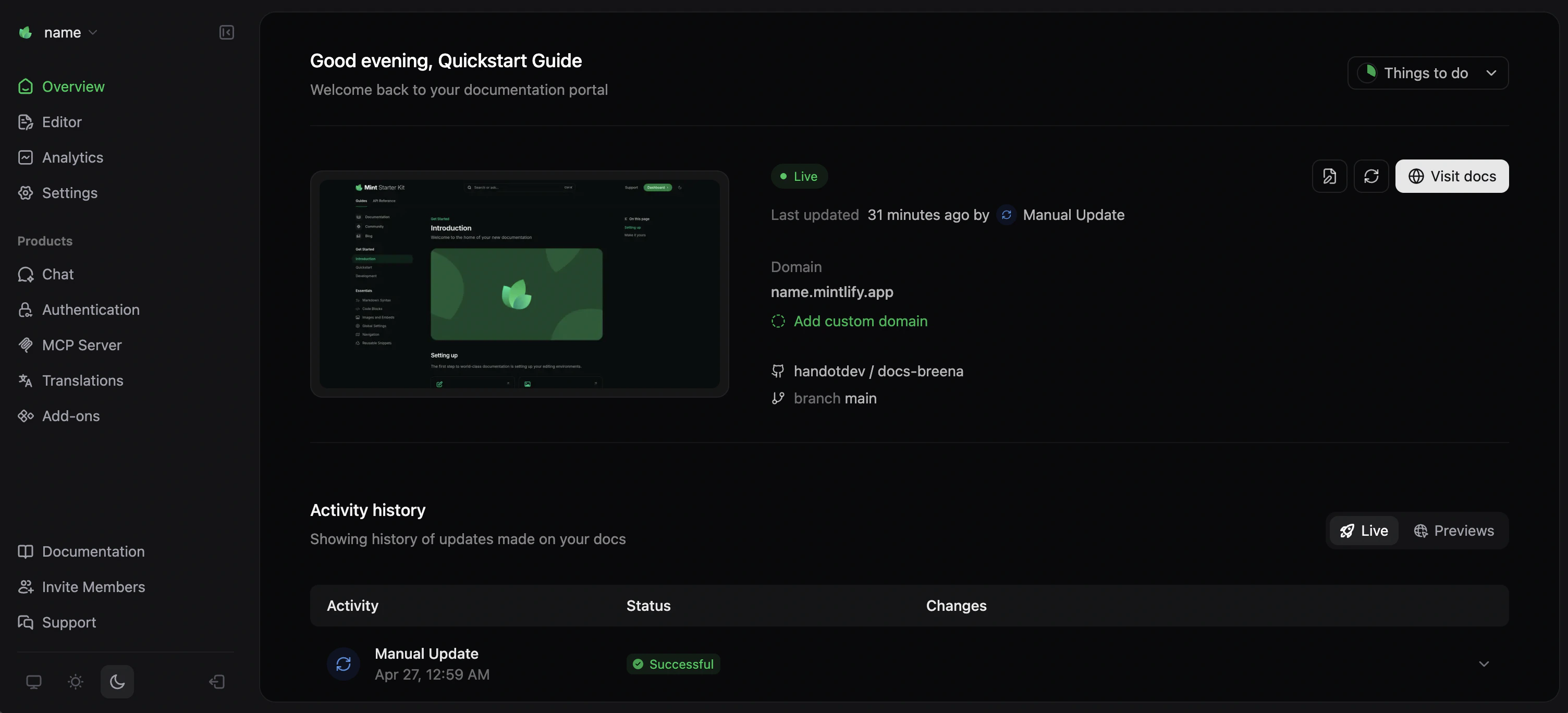
Find your site’s URL (https://<your-project-name>.mintlify.app) on the Overview page of your dashboard.
Make your first change
- CLI
- Web editor
Install the CLI
Clone your repository
Follow Clone your repository if you haven’t already.
Edit and preview
Update the description in
index.mdx, then run mint dev and view your preview at http://localhost:3000.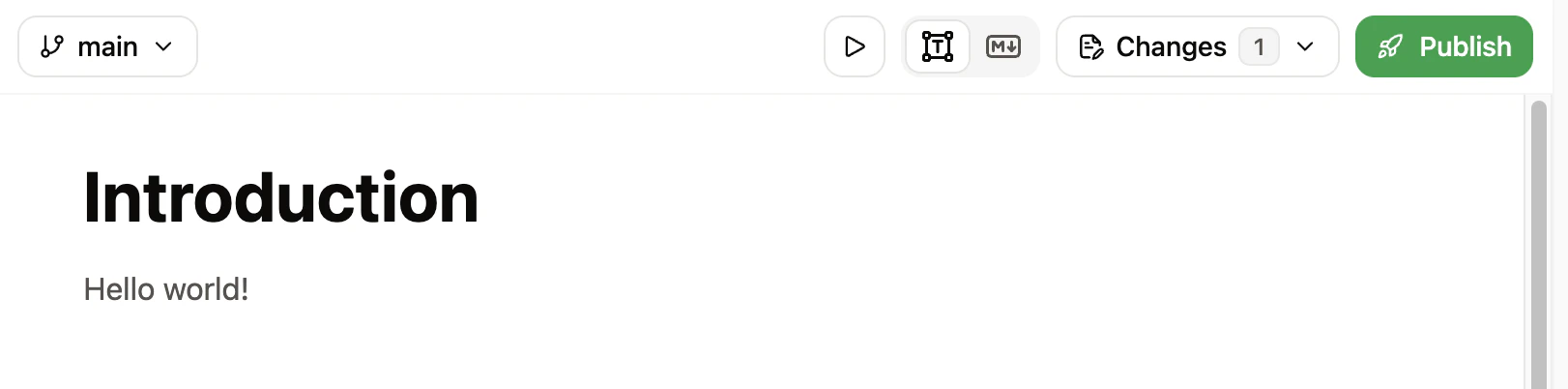
Next steps
Use the web editor
Edit documentation in your browser and preview how your pages look when published.
Explore CLI commands
Find broken links, check accessibility, validate OpenAPI specs, and more.
Add a custom domain
Use your own domain for your documentation site.